Send a receipt to a customer
Email a receipt to a customer who asks for one.
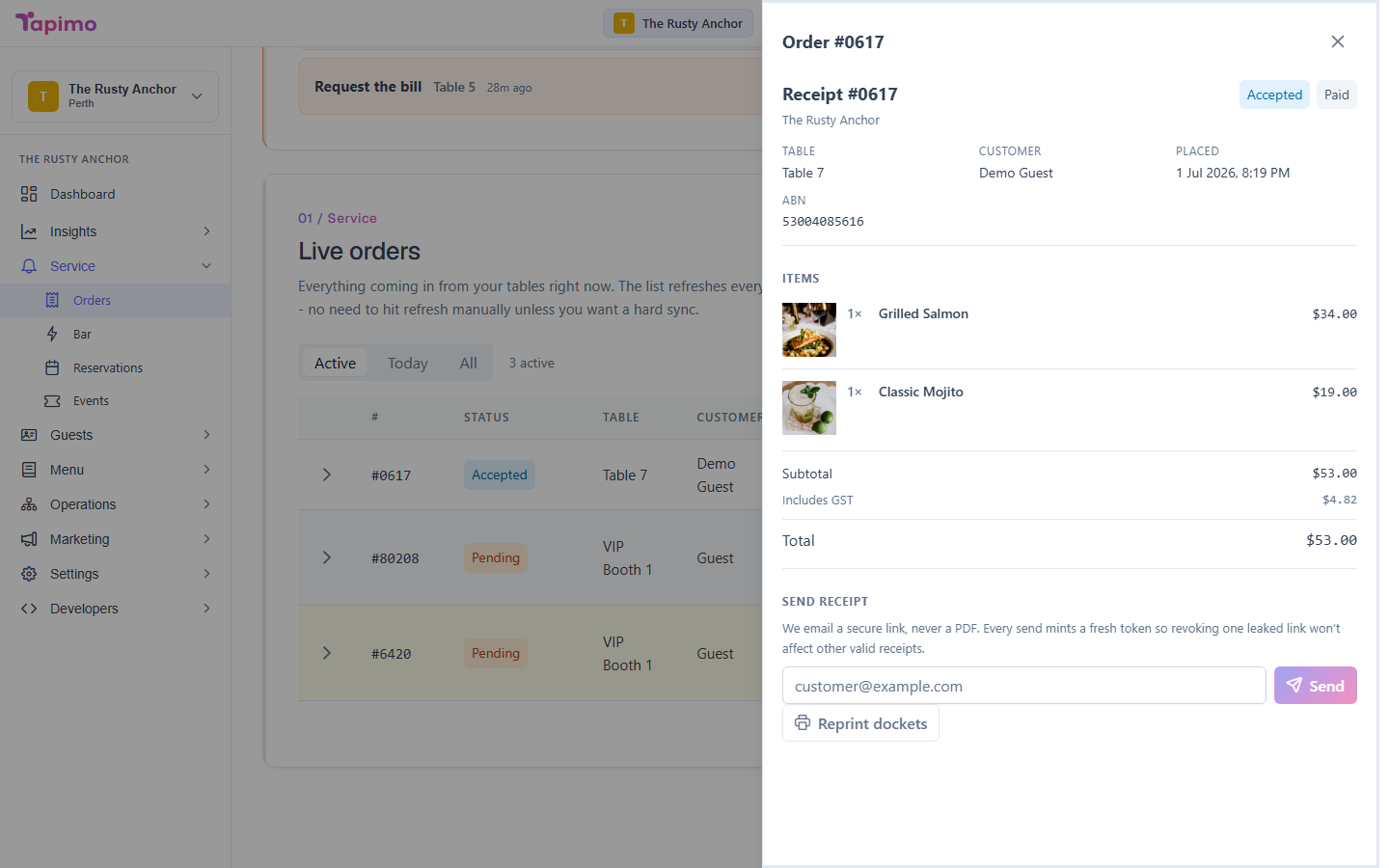
Every order has a receipt you can view and send. When a customer wants a copy, you email them a secure link to it, straight from the order.
Who can do this
This needs the View Orders permission, and sending a receipt needs Manage Order Status. Venue owners have both.
Send a receipt
- Go to Service -> Orders.
- Click the order to open its receipt.
- Enter the customer's email address.
- Send it. Tapimo emails them a secure link to the receipt.
Each send creates its own link, so you can send a fresh copy without affecting an earlier one.
How to know it worked
You will see a confirmation, and the customer receives an email with a link that opens the receipt in their browser. No login is needed to view it.