Switch between your venues
Move between the venues you run without signing out.
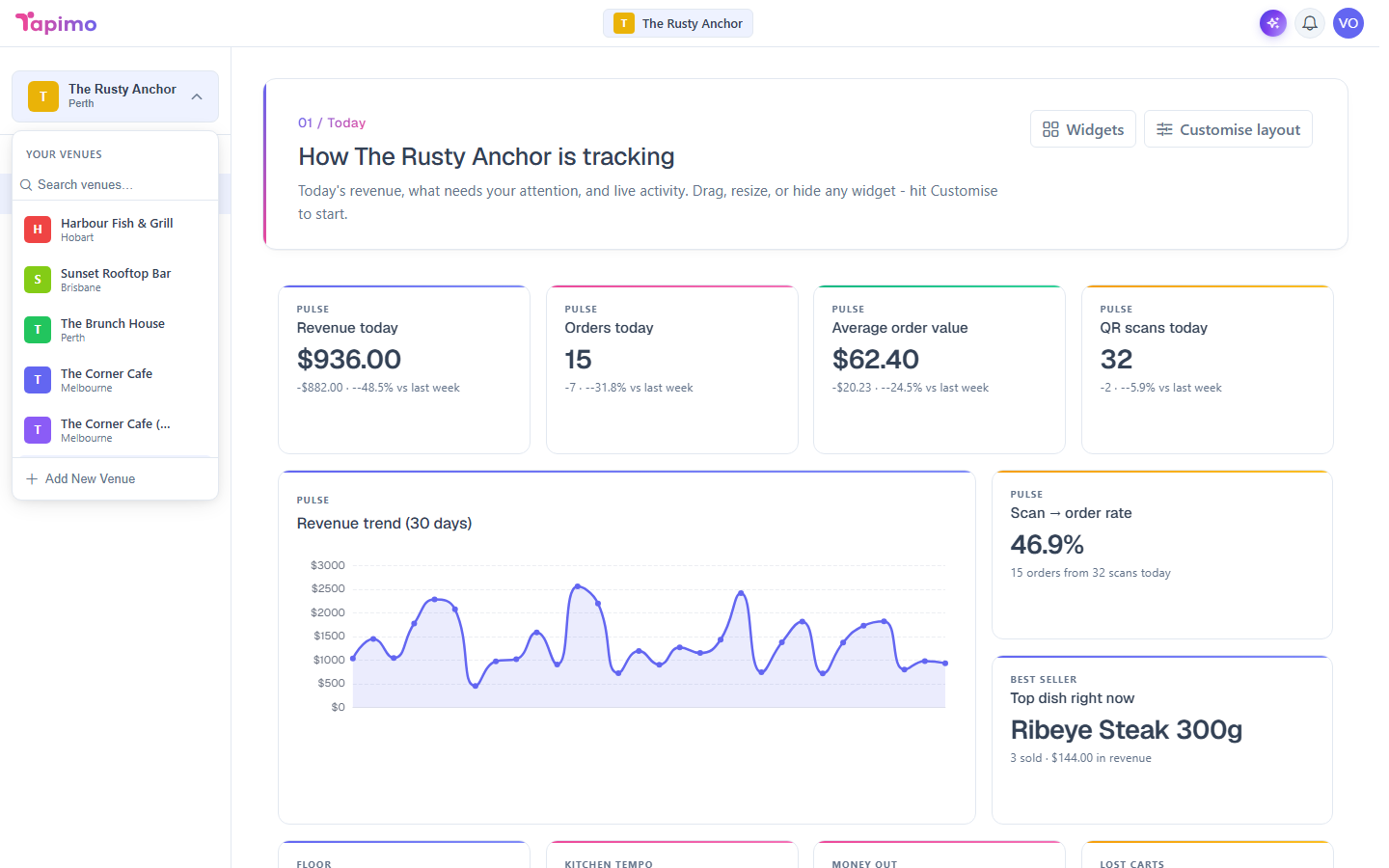
If you manage more than one venue, everything in the management app, your menu, orders, tables and settings, applies to the venue you have selected. The venue switcher lets you change which one you are working on.
Who can do this
You see every venue you own or have been given staff access to.
Switch venue
- Click the venue name at the top of the screen.
- Pick the venue you want from the list.
The whole app reloads onto that venue. Your menu, orders and settings now all belong to it, until you switch again.
Good to know
Each venue is completely separate. Staff, menus, orders and settings never cross between venues, so a change you make in one never affects another.