Understand your subscription plan
See what your plan includes, and start a trial or subscribe.
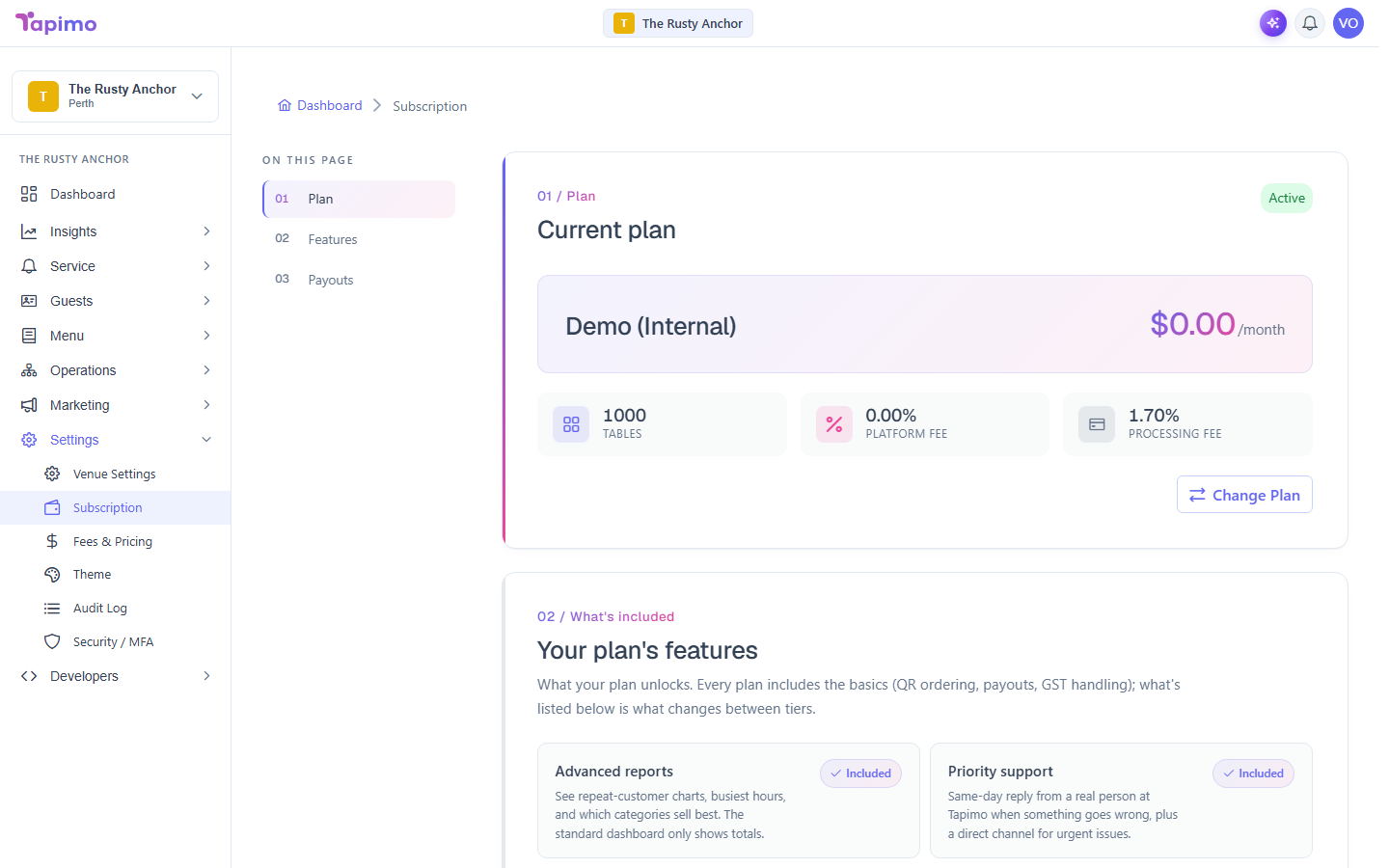
Your plan decides which features your venue can use and how many tables you can have. Each venue has its own subscription. You can switch or cancel at any time.
Who can do this
This is a job for the venue owner.
See your current plan
Go to Settings -> Subscription. The Current plan section shows your plan and a status tag:
- Active: your subscription is running normally.
- Trial: you are inside a free trial.
- Past Due: a payment did not go through. Update your card to recover.
- Suspended, Cancelled or Expired: your venue has read-only access until you subscribe again.
Start a trial or subscribe
- Go to Settings -> Subscription.
- Under Pick a plan for [your venue], choose the plan you want.
- If the plan offers a trial, tick the trial option (it reads Start with a [N]-day free trial, where the number of days depends on the plan). Your card is only charged when the trial ends, and you can cancel any time before then.
- Click Start Free Trial (or Subscribe Now if you are not taking a trial). You are sent to Stripe to enter your card.
- Complete the card details. You are returned to Tapimo.
How to know it worked
After checkout, your Current plan section shows the plan you chose with an Active or Trial status. If it has not updated yet, click Refresh.
Troubleshooting
I cannot change my plan again You can change plan once every 24 hours. The screen shows when your next change is available.
This venue has already used its free trial Trials are once per venue. If yours is used up, choosing a plan starts charging straight away.