Change your venue name, address or tax settings
Understand where your core venue details come from and how to change them.
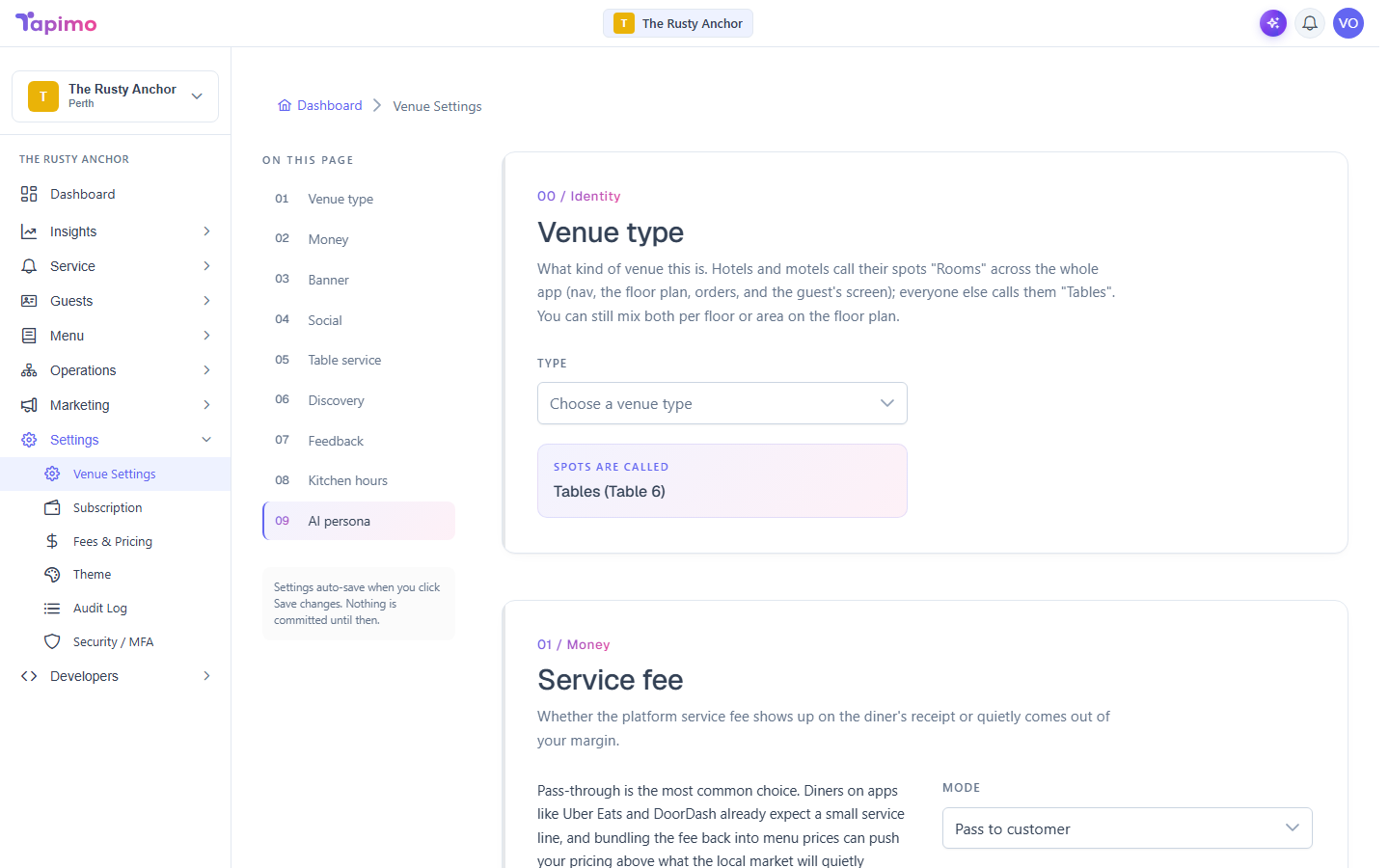
Some details about your venue are set when it is first created and are not edited from your own dashboard. This keeps things like your tax settings and timezone consistent. If any of them are wrong or need to change, the Tapimo team updates them for you.
Details set when your venue is created
- Venue name
- Timezone (this drives your trading hours and item service windows, so it matters)
- Address (street, suburb, state, postcode)
These are captured during sign-up. There is no screen in your dashboard to edit them afterwards.
Tax details (ABN and GST)
- ABN
- GST registration (whether GST is shown on diner receipts)
These are managed by Tapimo as part of keeping your venue tax-correct in Australia. GST is only shown on receipts when your venue is registered for it.
In Australia a business generally must register for GST once its annual turnover reaches $75,000. Whether your venue should be GST-registered is a decision for you and your accountant; once you know, tell us and we set it.
How to change any of these
Email [email protected] with your venue name and what you would like changed (for example, a new address or turning on GST). We update it and confirm back.
What you can change yourself
Plenty of other settings are yours to edit any time, including your venue type, logo and theme, menu, tables, and trading hours. See Set your venue type to start.