Set your service fee
Choose who sees the platform service fee: the diner, or you.
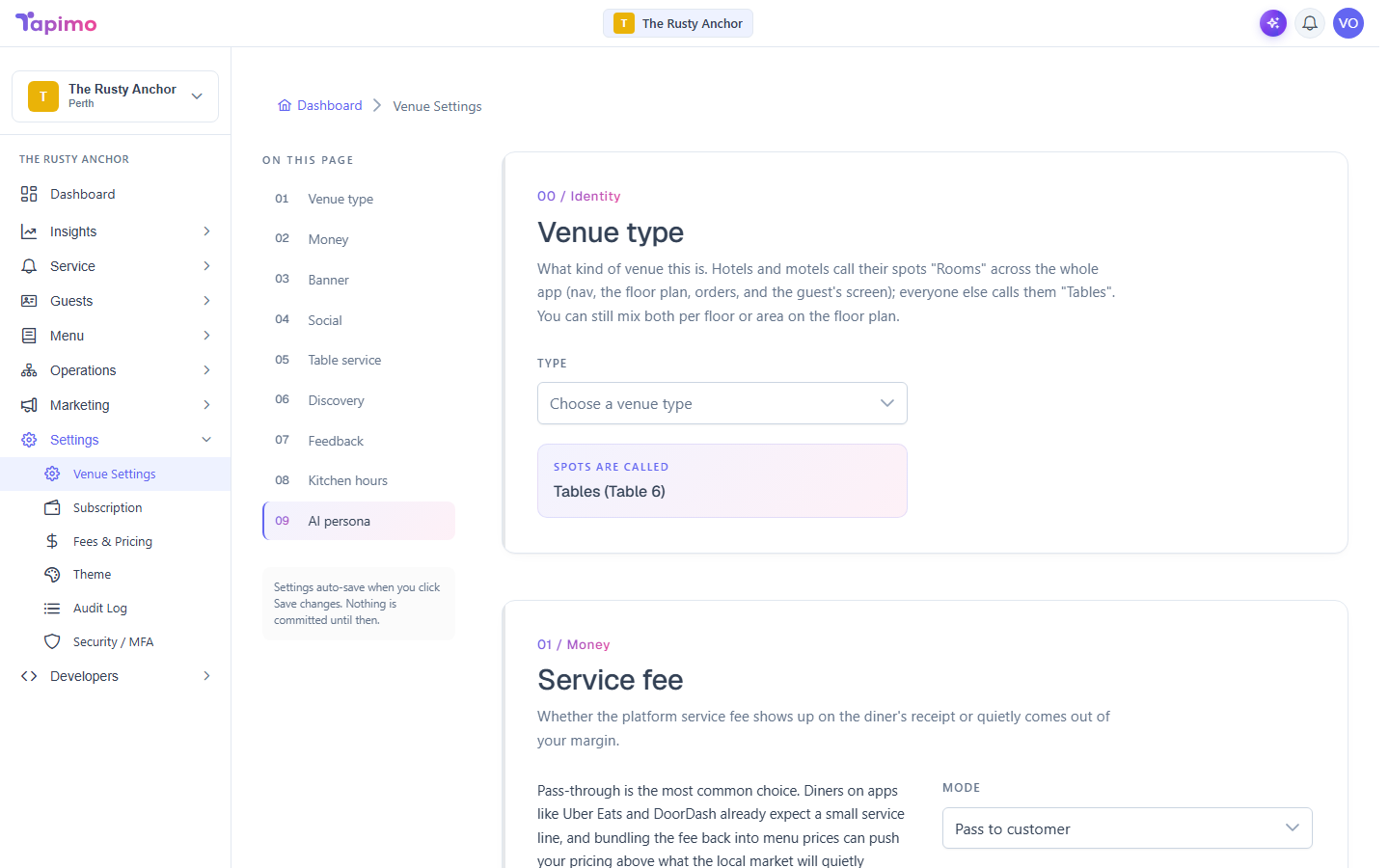
Tapimo charges a small per-order platform fee. You decide how it appears: added on top for the diner at checkout, or quietly absorbed into your own margin.
Who can do this
This needs the Manage Venue Settings permission. Venue owners have it automatically.
Choose your mode
- Go to Settings -> Venue Settings.
- In the Money section, find Service fee.
- Pick a mode:
- Pass to customer: the fee shows on the diner's checkout as a separate "Service fee" line. This is the most common choice, and diners on apps like Uber Eats already expect a small service line.
- Absorb: the fee comes out of your margin, and the diner never sees it.
- Save your changes.
How to know it worked
You will see the settings saved. On the diner's checkout, the service fee line either appears (pass to customer) or does not (absorb), matching your choice.