Create a discount code
Make a promo code diners type at checkout for money off.
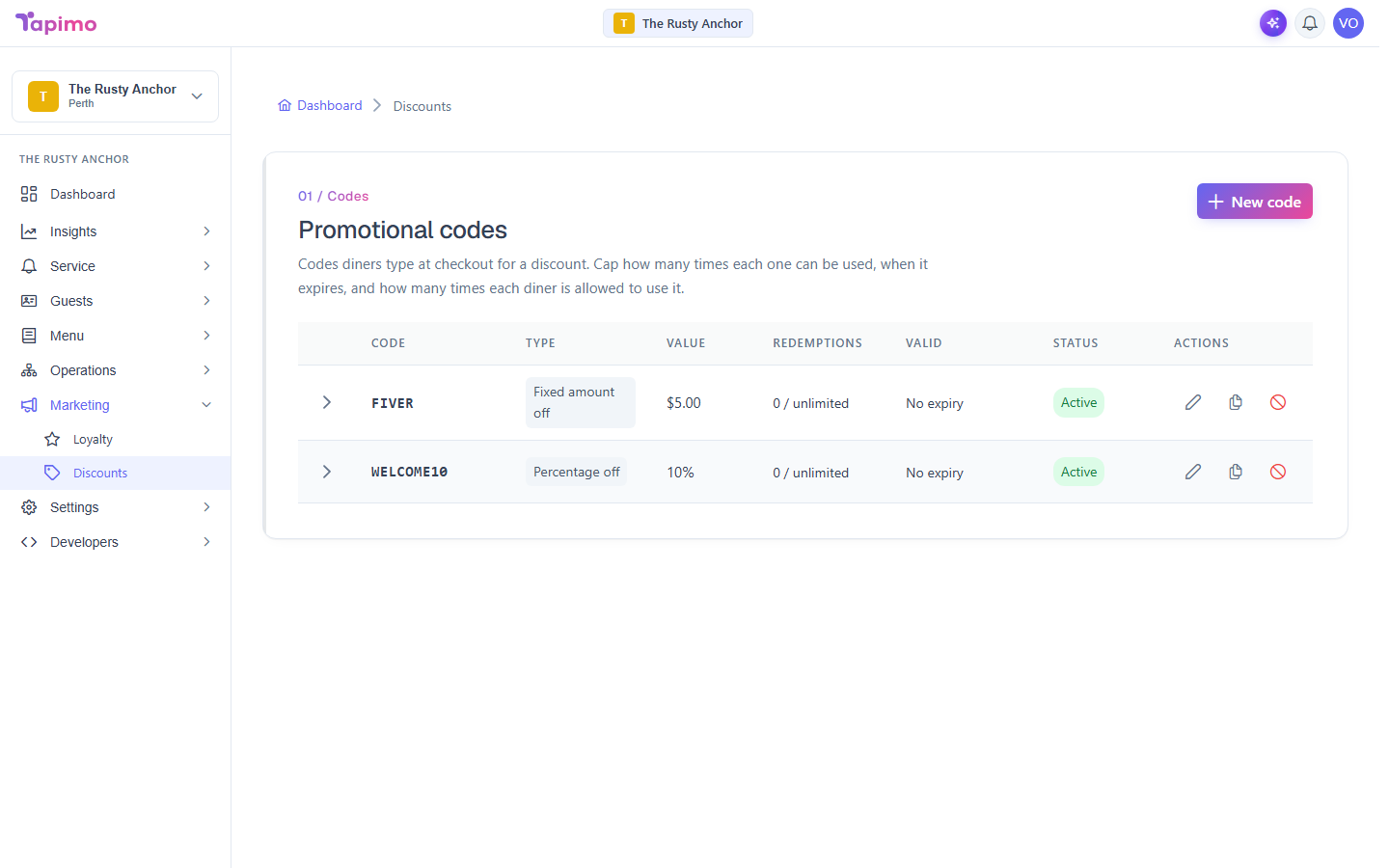
A discount code is something a diner enters at checkout for a discount. You set what it takes off, what it applies to, and how often it can be used.
Who can do this
This needs the Manage Discount Codes permission. Venue owners have it automatically. Discount codes are part of higher plans; if you do not see Discounts under Marketing, your plan does not include it yet.
Steps
- Go to Marketing -> Discounts.
- Click New code.
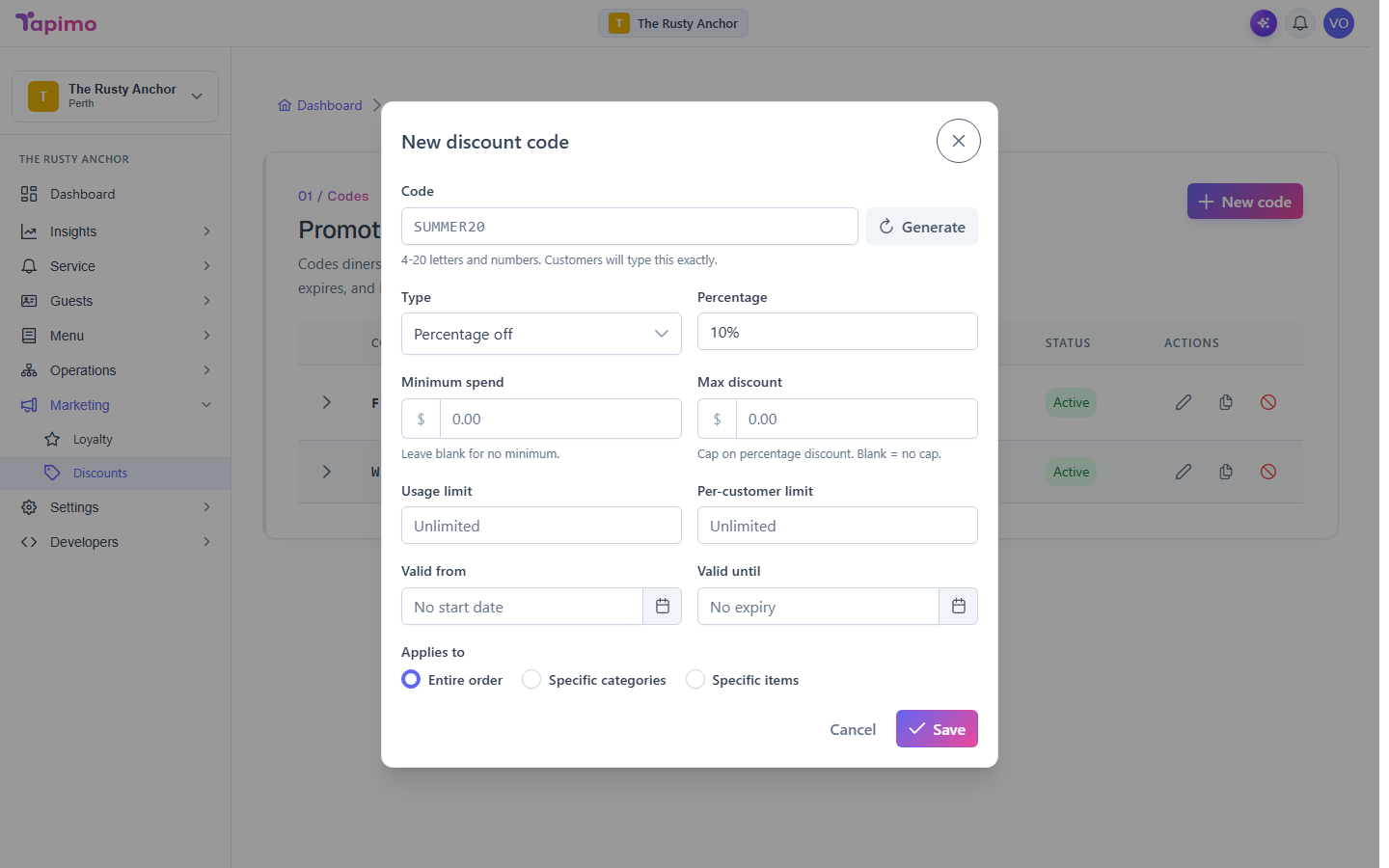
- Enter a Code (4 to 20 letters and numbers, for example
SUMMER20), or click Generate for a random one. Diners type this exactly. - Choose a Type:
- Percentage off: a percent off the order.
- Fixed amount off: a set dollar amount off.
- Free item: a chosen menu item for free.
- Set the value for that type. For a percentage you can add a Max discount cap; for a free item, pick the item.
- Set the limits you want:
- Minimum spend: the order must reach this for the code to work.
- Usage limit: how many times the code can be used in total (blank = unlimited).
- Per-customer limit: how many times one diner can use it.
- Valid from and Valid until: when the code works.
- Under Applies to, choose Entire order, Specific categories, or Specific items, and pick them if needed.
- Click Save.
How to know it worked
You will see "Discount code created", and the code appears in your list with an Active (or Scheduled) status. Diners can now enter it at checkout.