Sell tickets to an event
Create a ticketed function, publish it so diners can buy in, and see who is coming.
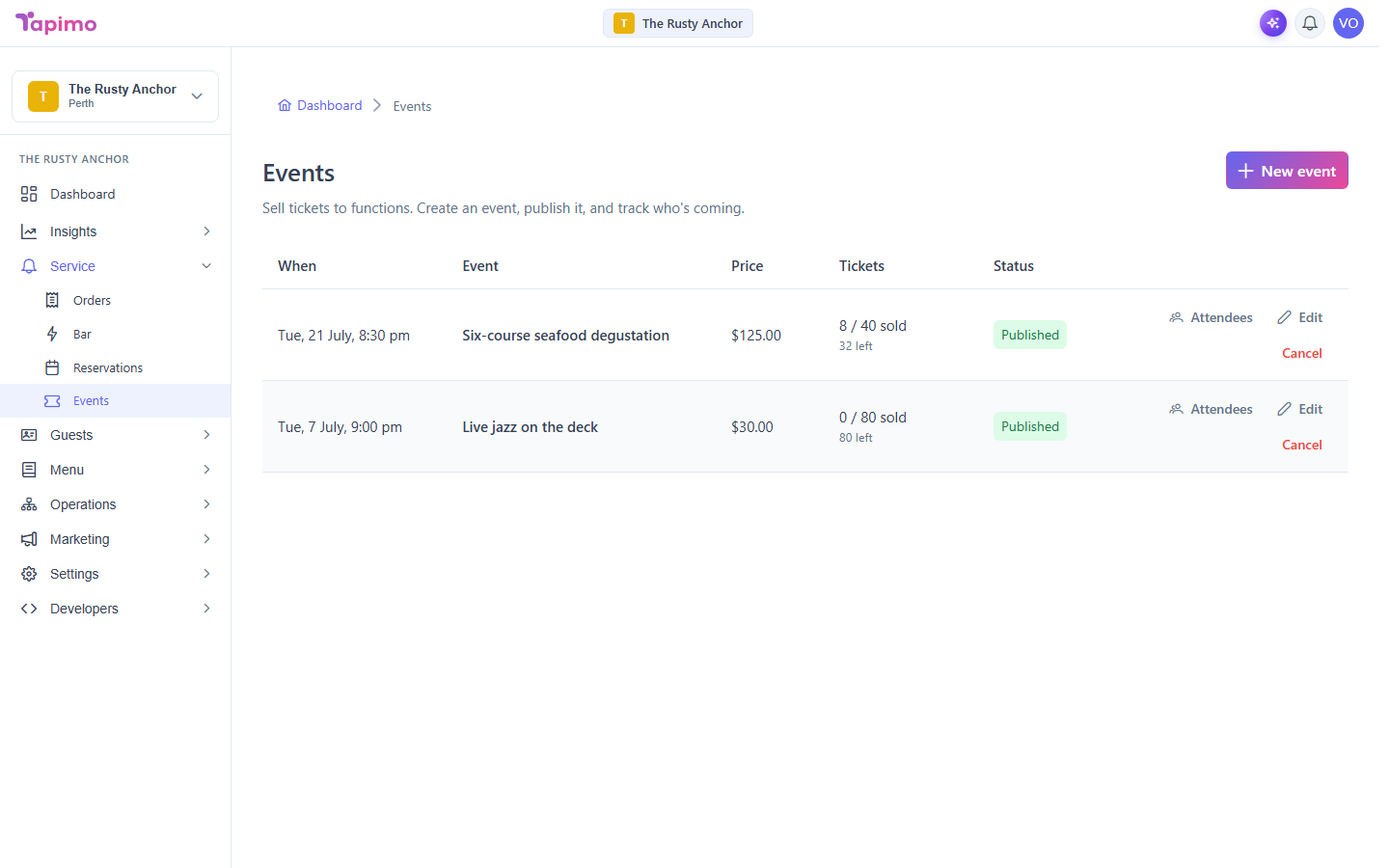
An event is a function you sell spots at, like a degustation or a live music night. You set a capacity and a ticket price, publish it, and Tapimo handles the ticket sales and payment.
This needs the Manage Reservations permission (events share it with bookings). Venue owners have it automatically. Events are a higher-plan feature; if you do not see Events under Service, your plan does not include it yet.
Create an event
- Go to Service -> Events.
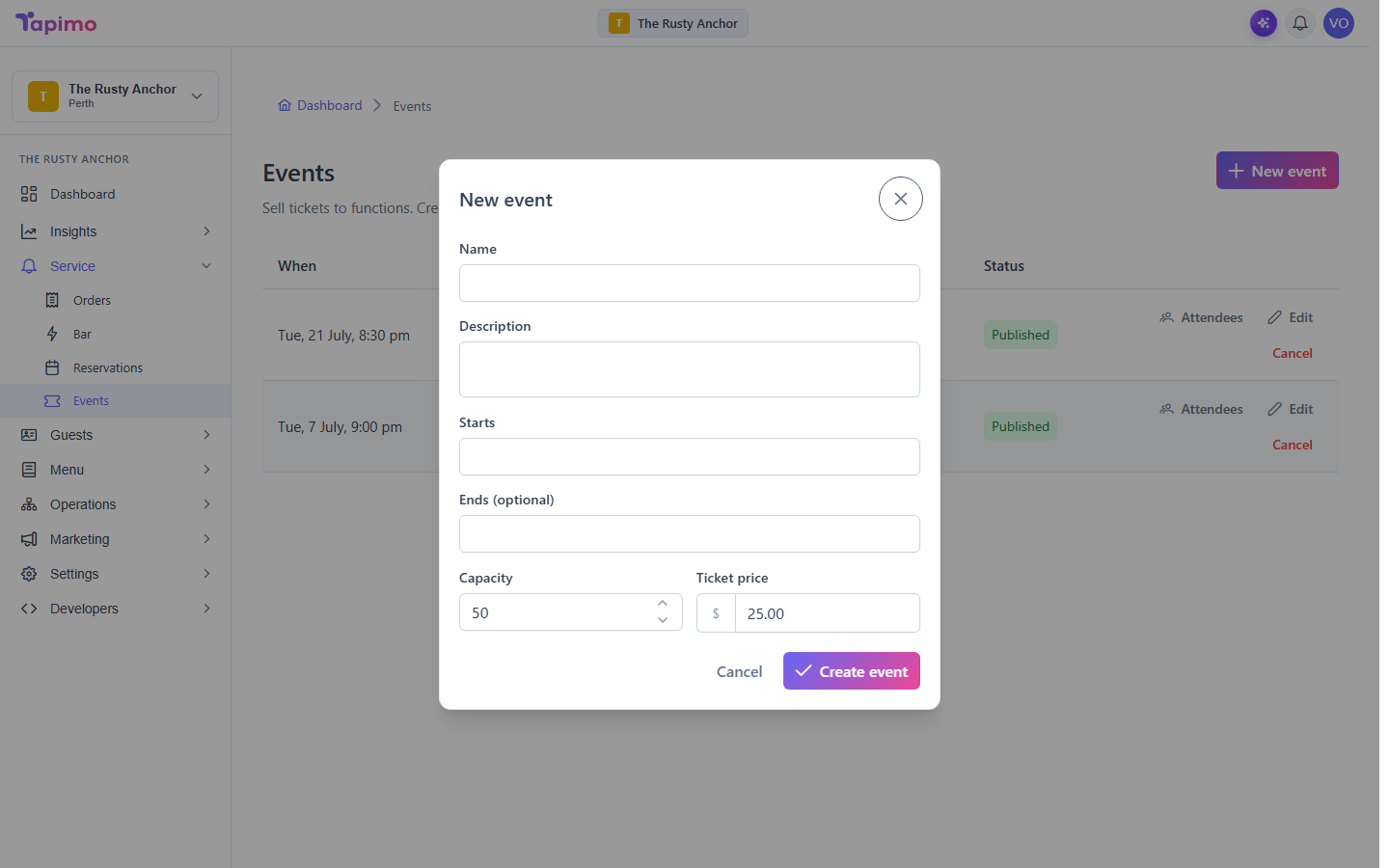
- Click New event.
- Fill in the details:
- Name and a Description.
- Starts and an optional Ends time.
- Capacity: how many tickets you will sell.
- Ticket price.
- Click Create event.
It starts as a draft, so nothing is on sale yet.
Publish it
On the event's row, click Publish. Diners can now buy tickets. A seat is held while a diner is paying and freed again if they do not finish, so you never oversell.
See who is coming
On the event's row, click Attendees. You will see how many tickets sold, the gross taken, and each buyer's name, email, quantity and amount paid.
How to know it worked
The event shows a published status, and the Tickets column counts up as diners buy (for example, "12 / 50 sold").
Troubleshooting
I cannot cancel an event You can cancel a draft or an event with no paid tickets. Once tickets have been sold and paid for, cancelling is blocked (there is no refund flow yet), so the event has to run.