Install a third-party app
Connect a third-party app to your venue from the curated integrations catalogue.
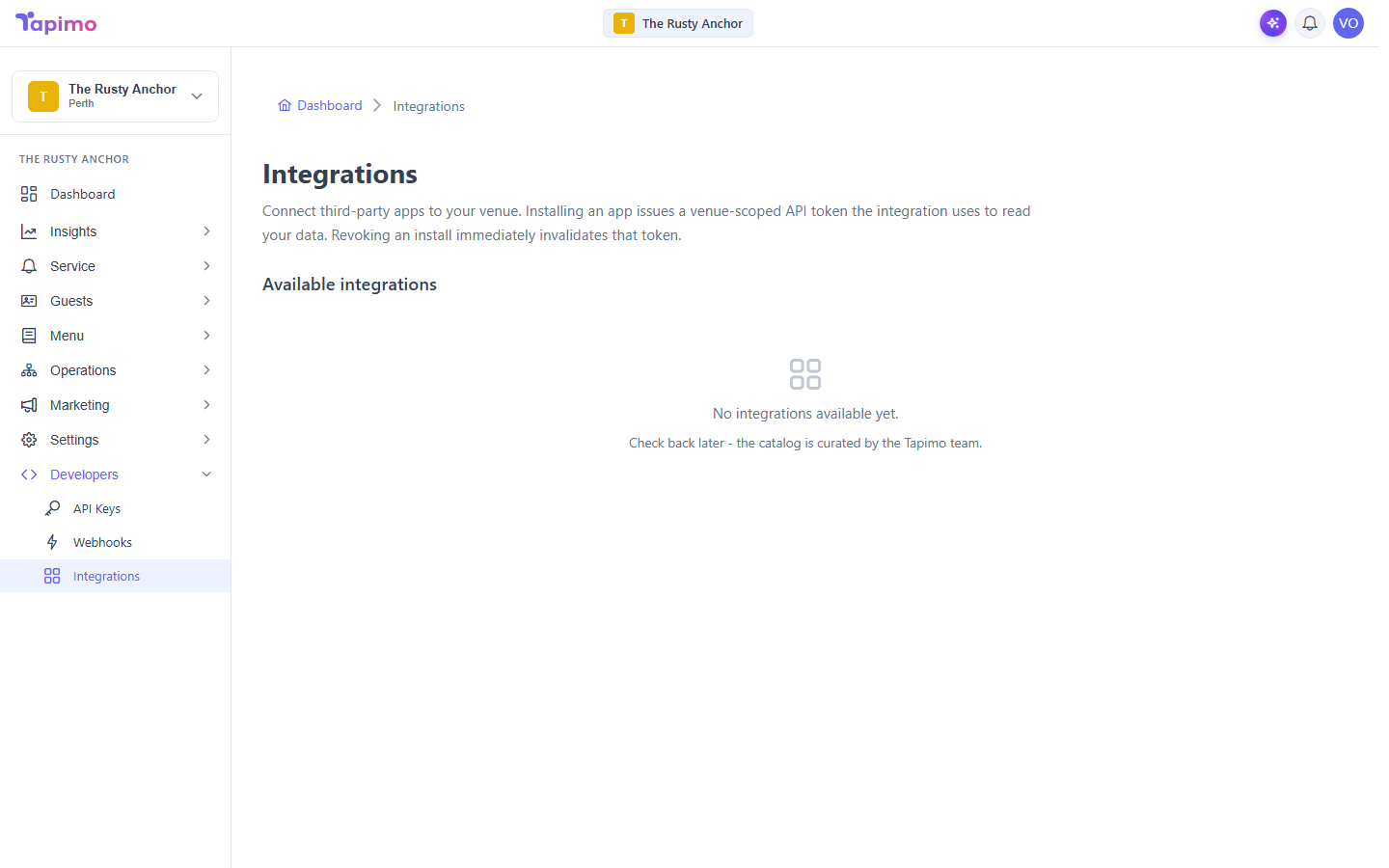
Integrations are third-party apps that connect to your venue to read your data. Installing one issues a venue-scoped API token the app uses on your behalf. Revoking the install invalidates that token straight away.
Installing and revoking apps needs the Manage Venue Integrations permission. Venue owners have it automatically.
Install an app
- Go to Developers -> Integrations.
- Under Available integrations, find the app you want.
- Click Install. Tapimo issues the app a venue-scoped token limited to the data it needs.
The catalogue is curated by the Tapimo team. If it says there are no integrations available yet, there is nothing to connect right now. Check back later.
See what an app can access
Installed apps appear in the Installed section, each showing the exact scopes it was granted. This is the app's access, in plain terms.
Revoke an app
- Find the app under Installed.
- Click Revoke.
Its token is invalidated immediately, so it can no longer read your venue's data.