Customise your dashboard
Arrange your dashboard so the numbers you care about are front and centre.
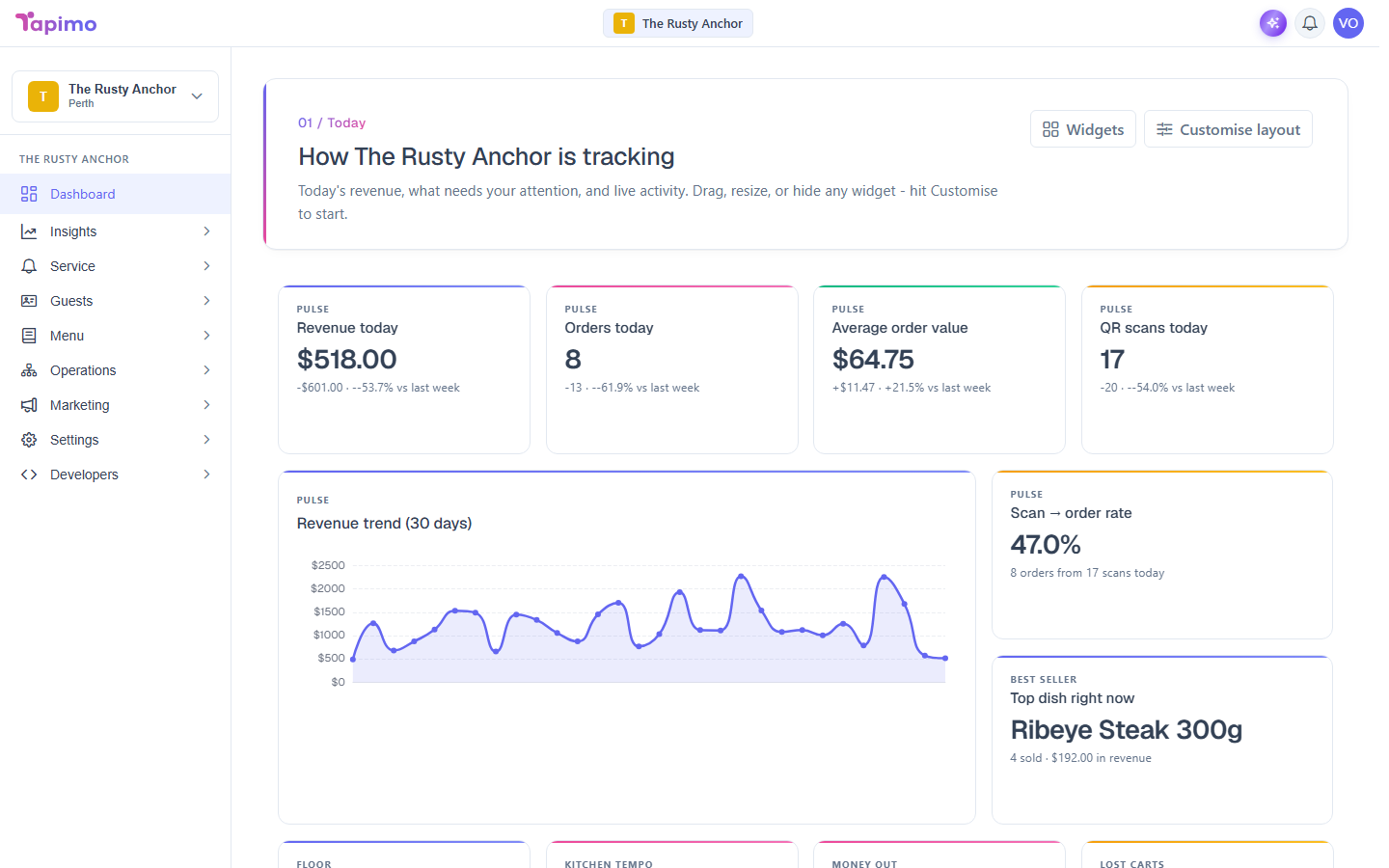
Your dashboard is built from widgets: today's revenue, orders, best sellers, and more. You can move them around, resize them, and hide the ones you do not need.
Who can do this
Anyone who can see the dashboard can arrange their own view.
Rearrange your widgets
- Go to Dashboard.
- Click Customise layout.
- Drag a widget by its header to move it, or drag a corner to resize it.
- Your changes save as you go, so you can leave customise mode when you are done.
Choose which widgets show
- On the dashboard, click Widgets.
- Turn widgets on or off to control what appears.
Start over
If you want the original layout back, use Reset while customising. It returns the dashboard to Tapimo's default arrangement.