Explore your analytics
See the patterns in your trade: revenue, busiest times, best sellers, and deeper breakdowns over the window you choose.
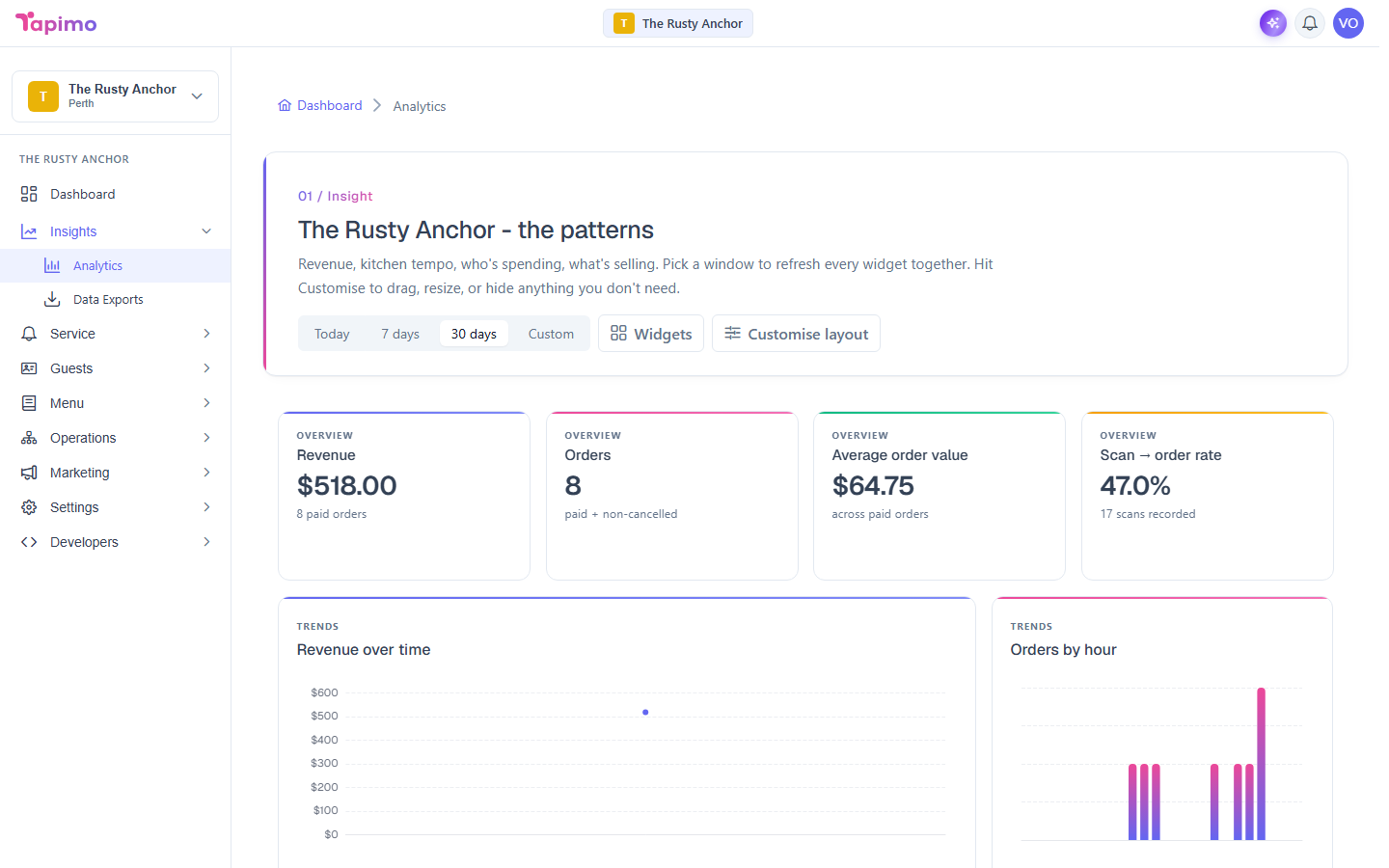
The analytics screen refreshes every widget together for the date range you pick, so you can read the whole picture for today, the last week, the last month, or a custom window.
This needs the View Reporting permission. Venue owners have it automatically.
Pick a window
- Go to Insights -> Analytics.
- Choose a range at the top: Today, 7 days, 30 days, or Custom.
- For Custom, pick a start and end date. Every widget updates to that window.
Today, 7 days and 30 days are available on every plan. The Custom range is part of the Advanced Analytics plan; if you pick it and your plan does not include it, the screen tells you and you can stick to the presets or upgrade.
What you can see
- Overview: revenue, orders, average order value, and your scan-to-order rate.
- Trends: revenue over time, orders and revenue by hour, your order funnel, and your peak day of the week.
- Lists: your top items, top drinks, and top categories.
- Deeper breakdowns: fulfilment time, payment funnel and failures, top spenders, the dietary mix of your diners, discount and loyalty performance, refund and cancellation reasons, and your top tables.
Show, hide and rearrange
Use Customise layout (then Done) to drag and resize widgets, and Widgets to add or hide any, including the deeper-breakdown widgets. Your layout is saved for you.
How to know it worked
Changing the range updates every widget at once, and your layout choices stick between visits.