Set up your loyalty program
Reward returning diners with points they earn as they spend and redeem at checkout.
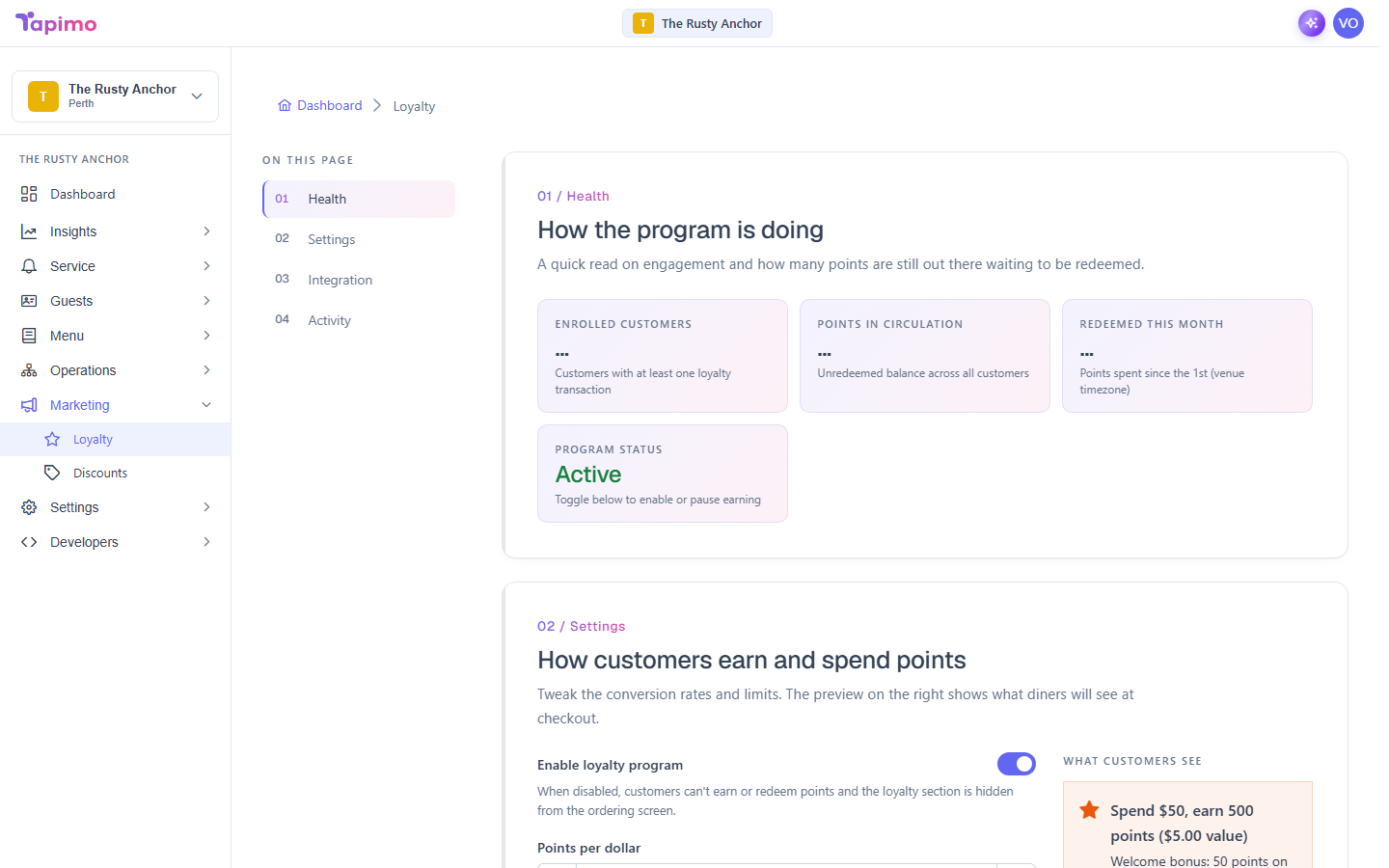
When loyalty is on, registered diners earn points on every order and can put those points towards a future one. You set how fast they earn, what a point is worth, and a few optional bonuses.
This needs the Manage Venue Loyalty permission. Venue owners have it automatically. Loyalty is part of higher plans; if you do not see Loyalty under Marketing, your plan does not include it yet.
Turn it on
- Go to Marketing -> Loyalty.
- In Settings, turn on Enable loyalty program.
Set how diners earn and spend
In the same Settings section:
- Points per dollar: how many points a diner earns for every $1 spent.
- Point value: what each point is worth when redeemed.
- Minimum redemption: how many points a diner needs before they can redeem. Leave blank for no minimum.
- Max redemption %: the most of an order a diner can pay for with points. Leave blank for no cap.
- Welcome bonus: a one-off bonus on a diner's first order at your venue.
- Birthday bonus: points gifted once a year on a member's birthday.
The What customers see panel on the right previews exactly what diners will read, so you can sanity-check your settings.
- Click Save changes in the bar at the bottom.
How to know it worked
You will see "Loyalty settings saved", and the Health section at the top tracks Enrolled customers, Points in circulation, and Redeemed this month as diners start using it. Recent activity lists the latest points earned and redeemed.